When a register week has been marked and submitted you can re-issue the register back to the tutor. This is a useful way of correcting inconsistencies by allowing the tutor that marked the register to re-mark it.
The option to re-issue a register week is only available if:
- The user has the Administrators role in the Shape Registers group
- The register type is set to EREG
- The SLOT_STATUS in the REGISTER_EVENT_SLOTS table is set to M (Marked)
- One or more tutors has an active slot on the date being re-issued
To re-issue a register:
- Open the register event you want to re-issue. See Open an Existing Event for further information.
-
Select the Event tab.
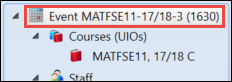
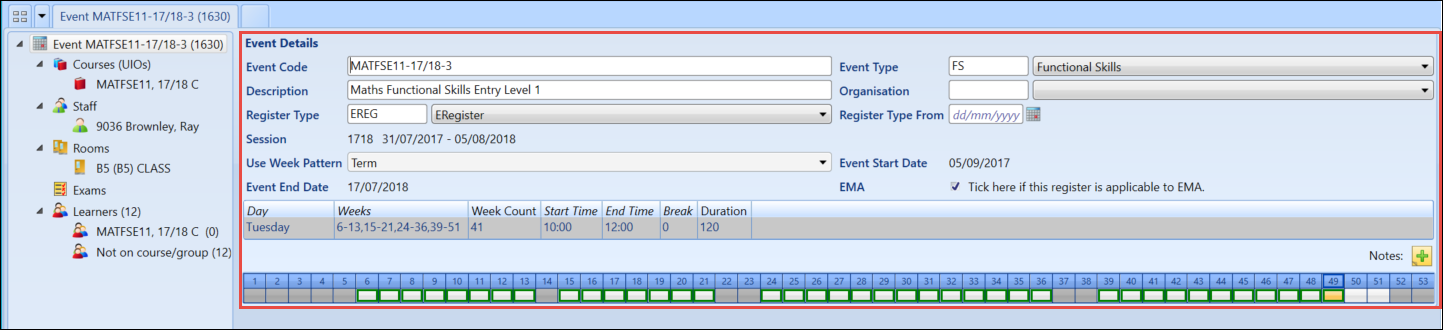
The Event Details screen will be displayed.
-
Select and hold (or right-click) on the week slot of the register week you want to re-issue and select Re-issue eRegister .
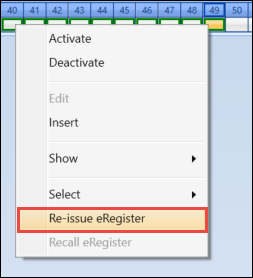 Important.You can select multiple week slots to re-issue by holding down Ctrl whilst individually selecting week slots, or by holding down Shift whilst selecting the first and last week slot.
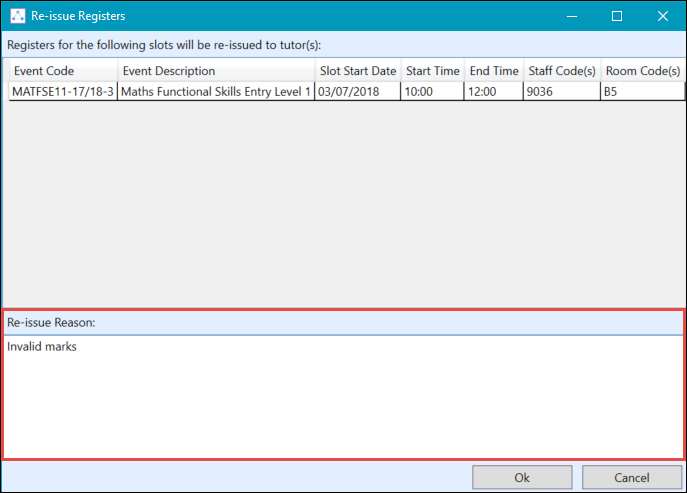
The Re-issue Registers screen will be displayed and will list each week slot being re-issued.
-
Enter a reason for the re-issue in the Re-issue Reason section.
-
Select the OK button to re-issue the register.
Important.The week slot will now be highlighted in blue.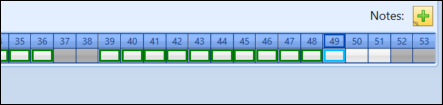
-
Select the Save button to save the changes.
 Important.When the re-issue has been saved the SLOT_STATUS in the REGISTER-EVENT_SLOTS tabled will be updated to R for the re-issued week.